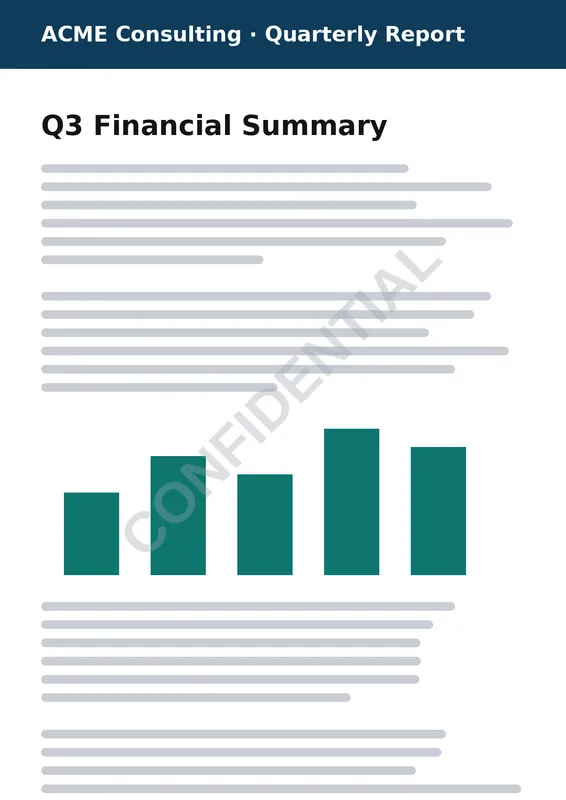
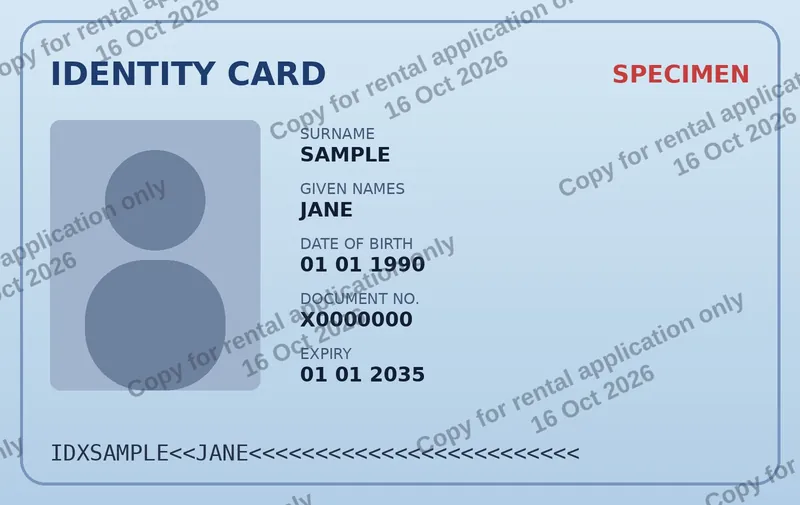
Stamp “CONFIDENTIAL”, “DRAFT”, “COPY” or your company logo on every page of a PDF — or just the pages you choose. Free, fast and processed entirely in your browser: your PDF is never uploaded.
No uploads. No limits. No sign-up. And no watermark of ours on your files.
Free
PDF never uploaded
All pages or a range
Text or logo
Batch PDFs
Drop images or PDFs here
JPG, PNG, WebP, HEIC, GIF, AVIF or PDF · multiple files allowed
🔒 Your files stay on your device — we never upload or store them.
Choose files
Live previewSample image — add your files to preview them
💡 Tip: click or drag on the preview to move the watermark.
🔒 Processed 100% in your browser. Files are never uploaded or stored.
Your watermarked files
🚫
Never uploadedYour images and PDFs are opened and processed by your own browser. They are not sent to our server or anyone else’s.
🗑️
Never storedWe don’t keep any copy of your files, logos or results — there is no upload endpoint and no file storage at all.
🧹
Gone when you close the tabFiles only live in your browser’s memory while you work. Close or reload the page and they are gone.
Don’t take our word for it: after loading your files you can even disconnect from the internet and the tool keeps working. How we handle your files
Drop your PDF (or several) into the tool. The first page is shown in the live preview.
Choose text or logo. Typical text watermarks are CONFIDENTIAL, DRAFT, SAMPLE, DO NOT COPY or a client name.
Adjust it: -45° rotation and 25–40% opacity give the classic diagonal look that doesn’t hide the text underneath.
Choose pages: all pages, only the first page, or a custom range such as 1-3, 8, 10-.
Download the watermarked PDF, or a ZIP if you processed several documents.
PDF watermark options
Text or image: any text in 10 fonts, or your logo/stamp as PNG, JPG, WebP or SVG.
Diagonal, horizontal or any angle with free rotation.
Tiled pattern repeated across the whole page — the hardest to crop out.
Exact placement: presets, a percentage of the page, or a distance in points from any corner — handy for letterheads and stamps.
Keeps your PDF intact: text stays selectable, links and page sizes are preserved, including rotated pages.
Watermark Word, PowerPoint, Excel and Google files
Any document can become a watermarked PDF: export it as PDF first (File → Save as / Download → PDF), then drop it here. It’s often faster than each app’s own watermark feature and works the same for every source. See our guides for Word, PowerPoint, Excel, Google Docs and Google Slides.
Is it safe to watermark confidential PDFs online?
With WatermarkOn, yes. Your PDF is not uploaded and not stored: the watermark is drawn into the file by your own browser, and our server has no upload endpoint at all. Contracts, financial statements and unreleased documents stay on your device.
Good to know: password-protected PDFs must be unlocked before watermarking.
Frequently asked questions
How can I add a watermark to a PDF for free?
Open the tool above, drop your PDF, type your watermark text or upload a logo, choose the pages and click “Add watermark”. No account or software is needed.
How do I add a watermark to a PDF without Adobe Acrobat?
Use this page: it does what Acrobat’s Watermark tool does (text or image, opacity, rotation, page range, several files) for free in your browser. See also our Acrobat guide.
Can I watermark only some pages of a PDF?
Yes. Choose “Custom” under PDF pages and enter a range such as 1-3, 5, 9- (9- means page 9 to the end).
Does the watermark change the text of my PDF?
No. The existing content stays intact and selectable; the watermark is drawn on top of it.
Is my PDF uploaded to your server?
No. The PDF is processed locally by your browser. We never receive or store your documents.